What carries over when you convert Saga to XSD
Converting a Cross Stitch Saga pattern to .xsd keeps the chart itself: all stitch types, every thread with its brand and number, the strand counts, the chart symbols and the pattern details. What can't come along is what belongs to the Saga app rather than to the chart, above all your stitching progress. Below is the full list, how thread brands are handled, and how the result is checked.
What carries over
| Part of the pattern | In the XSD file |
|---|---|
| Full, half, quarter, three-quarter and petite stitches | Yes, cell by cell, including several colors in one cell. |
| Backstitches and straight stitches | Yes. The XSD format places line ends on a half-cell grid, so a line end between those points moves to the nearest one. |
| French knots and beads | Yes. |
| Specialty stitches (lazy daisies and other drawn shapes) | Yes, with their shape, size, rotation and repeats. |
| Thread colors | Yes: brand, number, name and color of every thread. Blends keep up to four threads; a fifth or later thread is listed in that color's thread note. |
| Strands per stitch type and thread notes | Yes. Pattern Maker's floss list shows the same strand counts as Saga, and notes such as substitutes. |
| Chart symbols | Yes: the font and character of each color, so the symbol chart looks like the original wherever that font is installed. |
| Pattern details | Title, designer, notes, size, fabric count and fabric color. |
What doesn't carry over
- Your stitching progress. Saga keeps the stitches you marked as done and its stitching log next to the chart. The XSD format has no place for them, so the converted pattern starts unstitched. If you are in the middle of a project, note where you are before you move it.
- Symbol fonts that travel inside the
.sagafile. An XSD file stores only the font's name. If the app or computer you open the file in doesn't have that font, it shows other symbols instead. (Our online viewers include twenty common cross-stitch symbol fonts.) The stitches and colors are not affected. - Saga's display settings, such as grid colors, outlines, fabric texture and how thick lines are drawn. Each app draws the chart its own way.
- Library tags and skein lengths that Saga stores for its own library.
- Line colors and widths set in Pattern Maker's symbol view, for charts that were made in Pattern Maker, imported into Saga and are now going back. Saga doesn't keep them, so they can't be recovered from the
.sagafile. Lines take their thread color, and symbols are printed in black.
Thread palettes and brands
Every color in an XSD file is stored with a thread brand. Saga's palettes are written as the matching brand: DMC, Anchor, Madeira, J&P Coats, Kreinik, Gamma, PNK Kirova, Dimensions, Finca and the bead palettes, among others.
Some .saga files use a palette name that neither Saga nor Pattern Maker knows, for example a palette the designer made up. Writing those colors as DMC would label them with DMC numbers that may be wrong, so they are written as Generic (no brand) instead. When this happens, the preview says so and lets you choose the brand before you download, DMC included.
A few files have stitches but no palette at all. They are still converted: each color gets a distinct placeholder color ("Placeholder 1", "Placeholder 2", …), and the preview reminds you to pick the threads in Pattern Maker or Saga, or to export the pattern from Saga again.
How the result is checked
The converter is checked against the two apps that matter for this format:
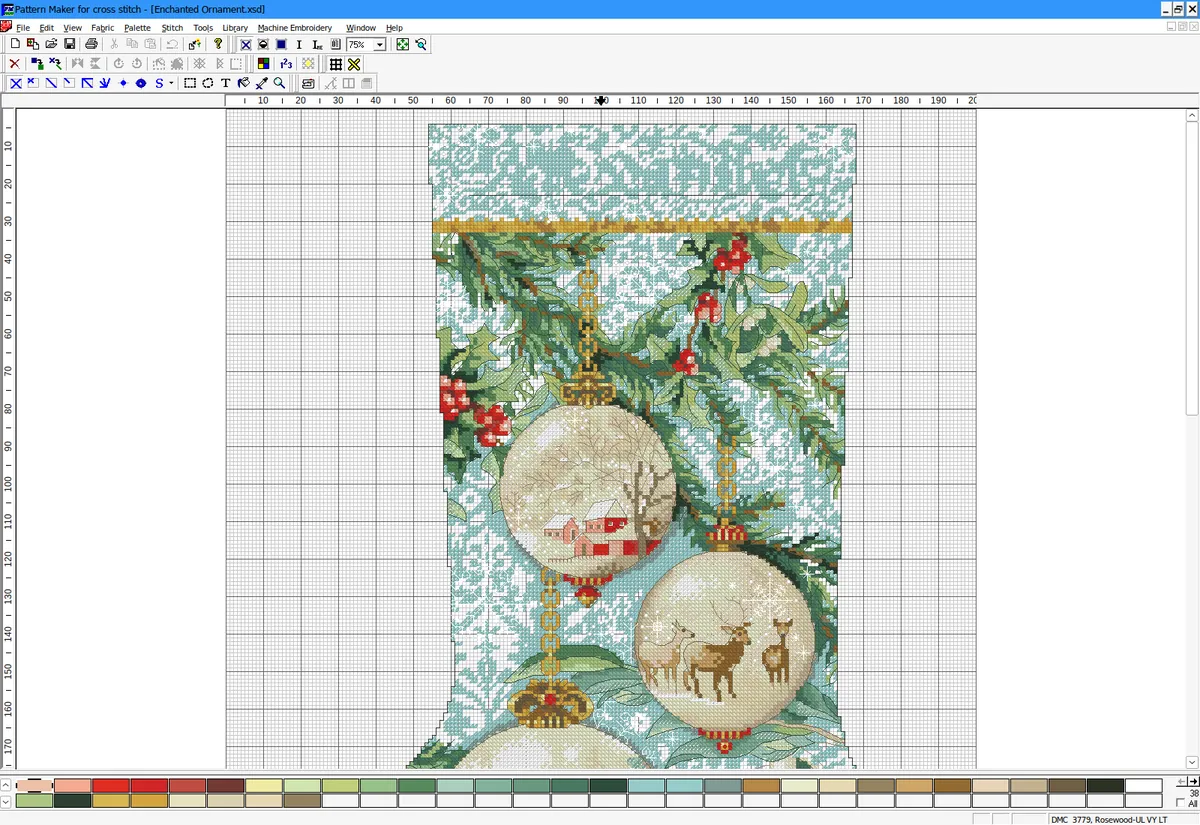
- Pattern Maker for Cross Stitch, the program the XSD format comes from. Converted files are opened in the real program, and its chart and floss list (strands, symbols, stitch counts) are compared with the original pattern.
- Cross Stitch Saga's own importer, so that a converted file reads back into Saga as the same pattern.
A sample of 1,000 patterns has been compared in both apps, stitch by stitch and color by color. On top of that, more than 1,500 automated tests run before each release: round trips against reference files, byte-level checks of the format and image comparisons of rendered charts.
No check can cover every file. If a converted pattern looks wrong, please tell us and include the file if you can. To open the converted file on your device, see how to open an XSD pattern.
Convert a pattern
Upload a .saga file, check every stitch in the preview, then download the .xsd.