How to open an XSD cross-stitch pattern on any device
An .xsd cross-stitch pattern is a chart saved in the format of Pattern Maker for Cross Stitch. The quickest way to open one on any device is in the browser, with the free XSD viewer: no app, no account. To stitch from it with progress marking, use one of the apps below for your phone, tablet or computer.
In any browser: the XSD viewer
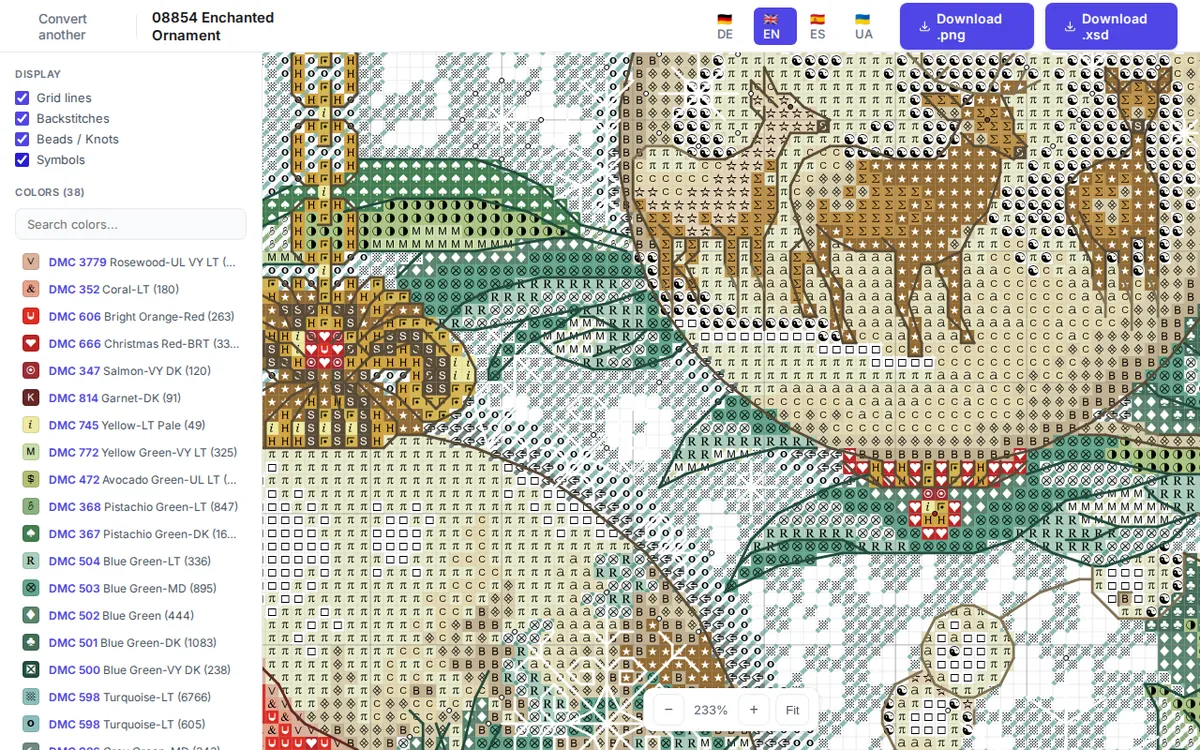
Open the XSD viewer and choose the file (or drag it onto the page). It shows the whole chart: full, half, quarter, three-quarter and petite stitches, backstitches, French knots, beads and specialty stitches, with the chart symbols and a list of threads with stitch counts. You can zoom, show or hide stitch types, and save the chart as an image. It works the same on iPhone, iPad, Android, Mac, Windows and Linux.
Apps by device
These apps open .xsd cross-stitch charts according to their own descriptions (checked in November 2026). App offers change, so look at the current details in your app store.
iPhone and iPad
- Cross Stitch Saga: paid. Imports XSD charts for stitching.
- StitchHub: free, with subscriptions. Imports XSD.
- MyCozyApp: free, with in-app purchases. Opens XSD.
- Cross Stitch: Magic Embroidery: free, with in-app purchases. Lists XSD among the charts you can upload.
Android
- Cross Stitch Paradise: free with ads, optional paid features. Opens XSD and several other chart formats.
- MyCozyApp: free, with in-app purchases. Opens XSD.
Windows and Linux
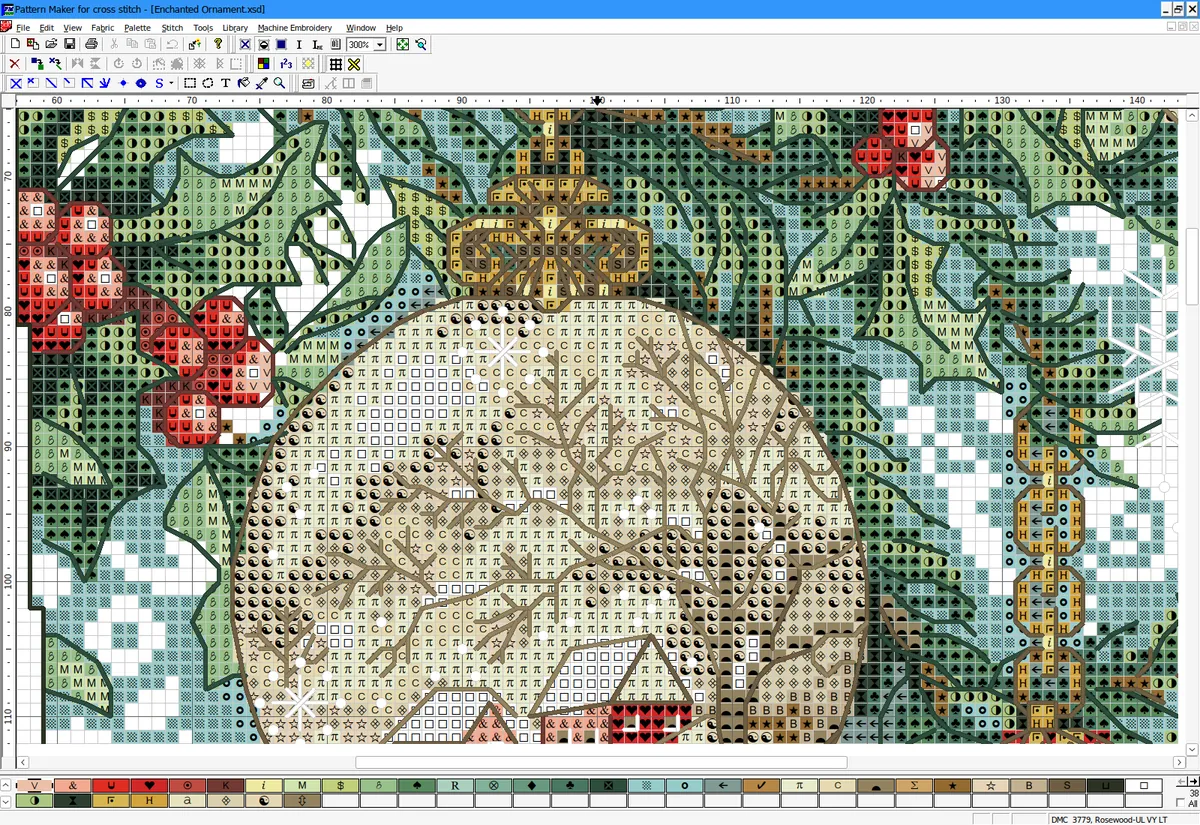
- Pattern Maker for Cross Stitch (Windows): the program the format comes from, and the one to use if you want to edit and save XSD files. It is no longer sold (its maker closed at the end of 2019), but installed copies still open and save XSD files.
- Embroiderly (Windows and Linux, plus a web version): free and open source. Opens XSD files for editing and saves them in its own format or as OXS.
In the browser, on any computer
- The XSD viewer: free, to view and check a chart.
- HobbyTub: a paid web app with a free trial. Imports XSD charts into its library.
- The web version of Embroiderly.
Mac
As of November 2026 we found no Mac app that opens XSD files directly. Use one of the browser options above.
If the file won't open
- It opens in a text or code editor, or shows
<?xmlor<xs:schema: programmers also use.xsdfor "XML Schema" files, which have nothing to do with embroidery. If the file's text starts like that, it isn't a cross-stitch chart. If it doesn't, your computer just links.xsdto a programming tool: open the file from inside the cross-stitch app instead of double-clicking it. - The file was saved by an old version of Pattern Maker: our viewer reads files saved by Pattern Maker 4. If you have Pattern Maker 4, open the file there and save it again.
- The symbols look different: a chart uses symbol fonts. If the app or computer doesn't have the chart's font, it draws other symbols. The stitches and colors are unaffected.
- The file is very small or the app says it is damaged: download it again. If it came by email or chat, some services change attached files.
Got a .saga file instead?
Patterns from Cross Stitch Saga come as .saga files, which few apps open. Convert them to XSD first, or look at them in the SAGA viewer. What the conversion keeps is listed in what carries over.